---
headerDepth: 0
category: [Feature, Tutorial]
order: 11
---
# Software Settings
::: info
- The following feature tutorials are introduced in-program order.
:::
## About Snap Hutao
This part has the following information:
- The icon of Snap Hutao:You can find the original image of the icon at the [home page](/)
- The artist is [画画的芦苇 (BiliBili)](https://space.bilibili.com/274422134)
::: details Drawing Process
:::
- [DGP-Studio](https://github.com/DGP-Studio) is authorized by owner to use it for Snap Hutao Project
- Snap Hutao client version
- Device ID
## Snap Hutao Account
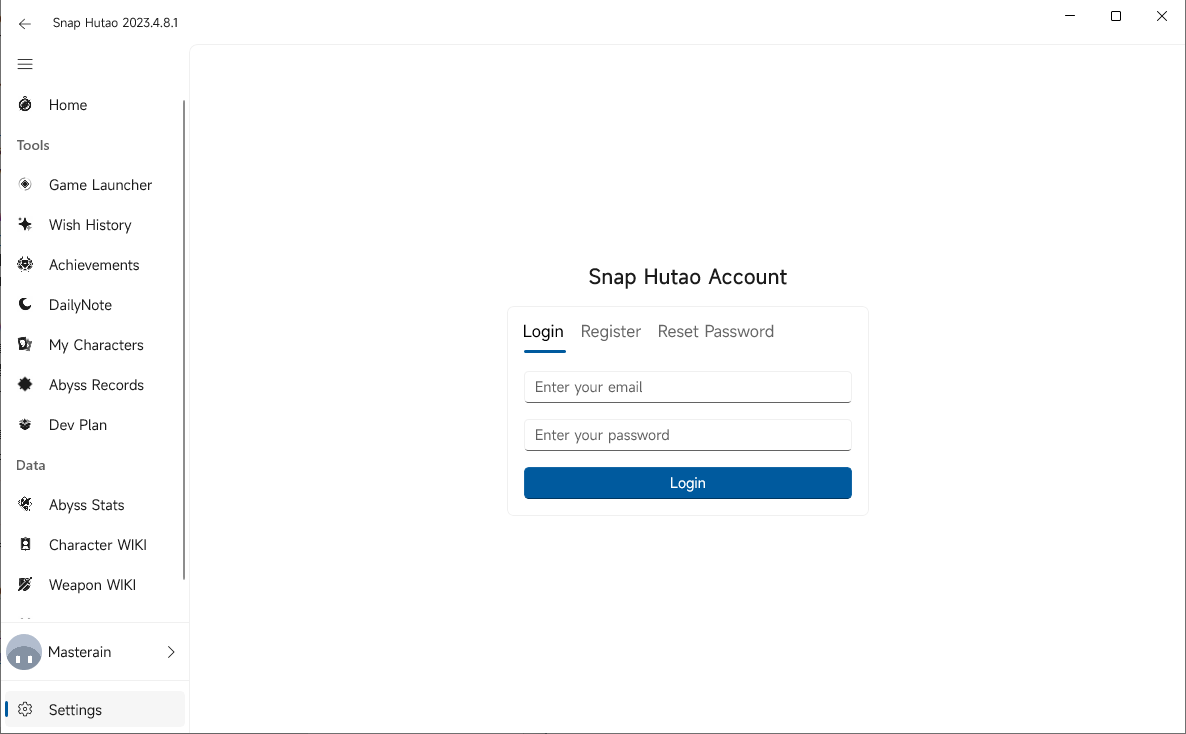
Snap Hutao account system is designed by DGP-Studio to provide fundamental component for cloud service such as wish history backup.
Currently, you are already able to register and login to your Snap Hutao account in the settings page.
## Appearance
- Language
- Snap Hutao will following system language setting by default
- You can force to change to another language in the settings page
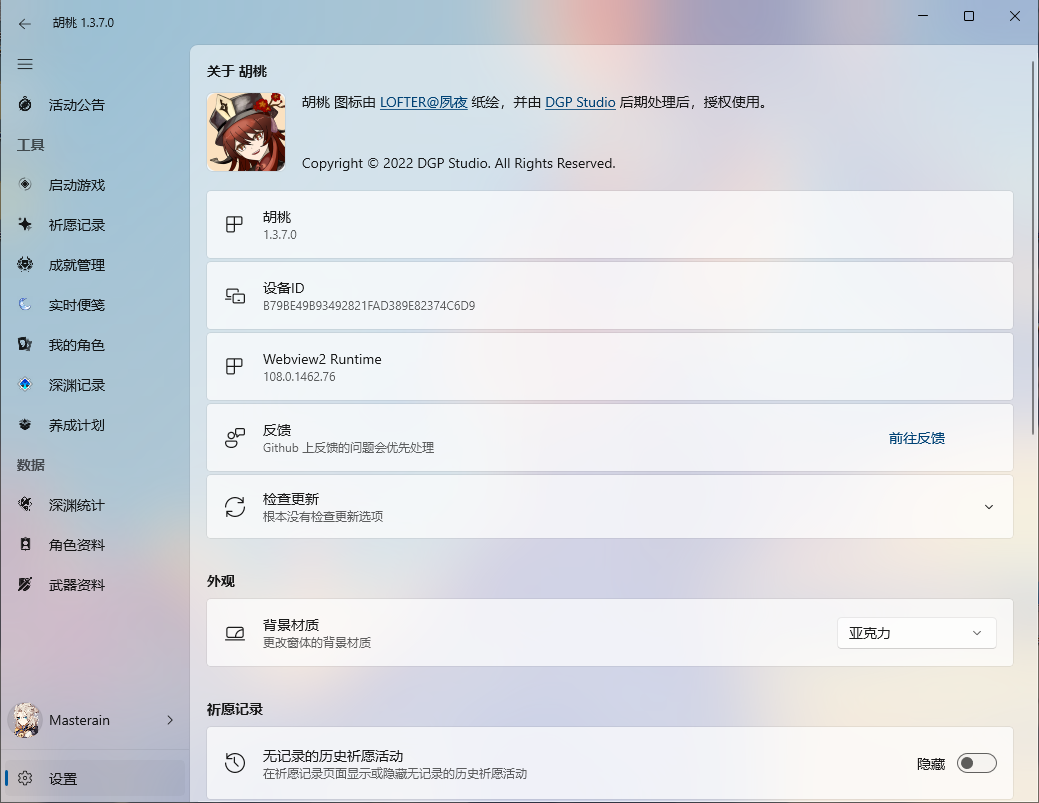
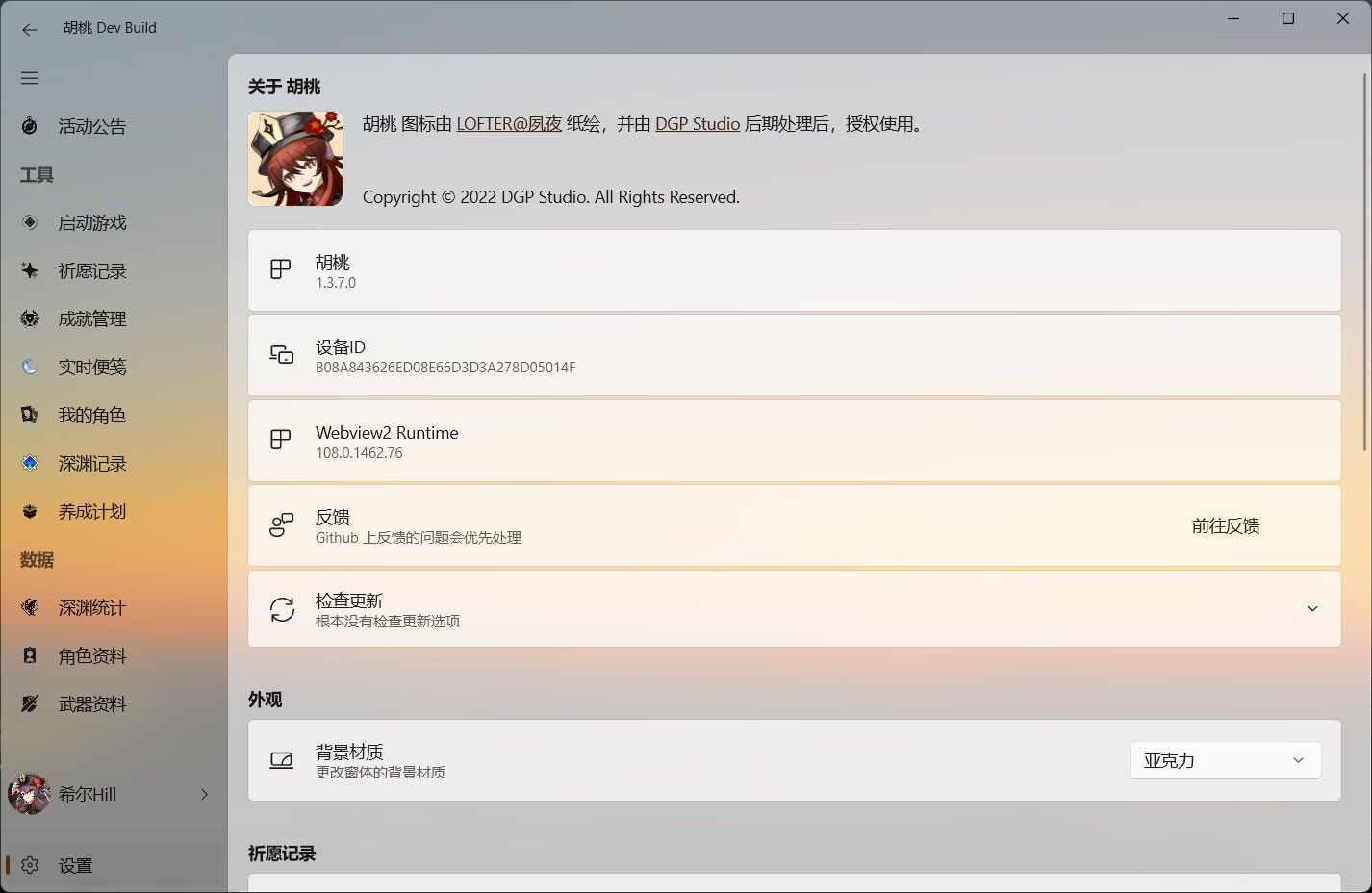
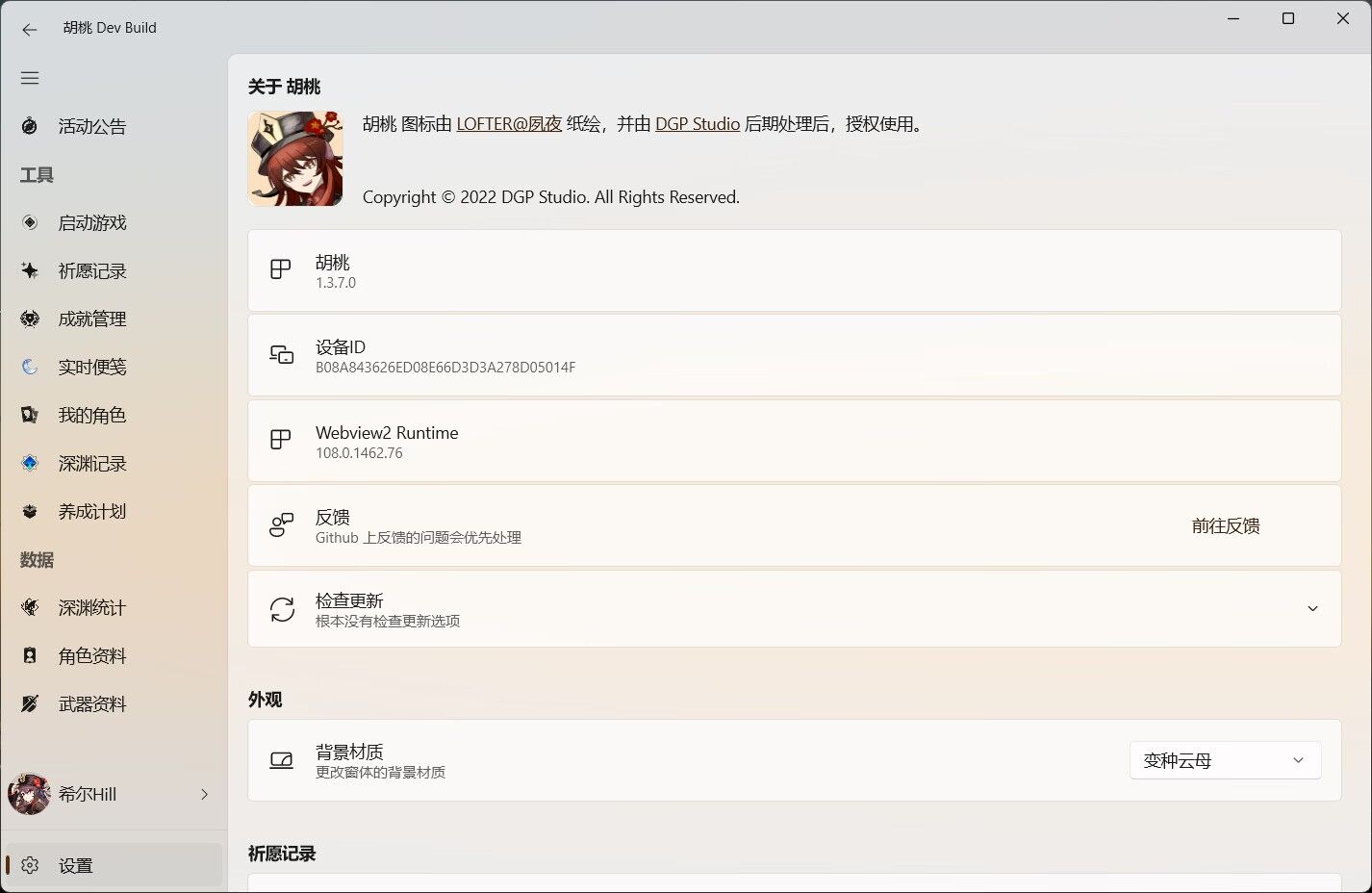
- Backdrop Material
- In this option, you can change the backdrop material of the software to
- Acrylic
- Mica (Windows 11 only)
- MicaAlt (Windows 11 only)
- The setting will take effect immediately
@slidestart auto
## Windows 10 Acrylic
---
## Windows 11 Acrylic
---
## Windows 11 Mica

---
## Windows 11 MicaAlt
@slideend
## Wish History
- In this field, you can choose to hide wish event that you do not have any record in the period in the wish export feature
## Game
- Game Path
- In this field, you can modify or set your game path for Snap Hutao
- When setting the game path, you should select game program instead of launcher program
- Such as `$\Genshin Impact\Genshin Impact Game\YuanShen.exe`
- Delete Game Embedded Browser Web Cache
- When you are using web cache refresh method in the wish history feature and receiving authkey expiration error, you can try this operation to fix the error
- Click on this field to execute the operation
## Storage
- Open Data Folder
- Click this field to open data folder that contains user data, log, and metadata
- Change Data Directory
- This field allows you to change the data directory to path you want
- Open Cache Folder
- Click this field will open cache folder that saves image assets used by Snap Hutao
- Reset Image Resource
- This option allows user to reset image cache when there are too many image failed to load. The program will
re-download images resource at next start-up
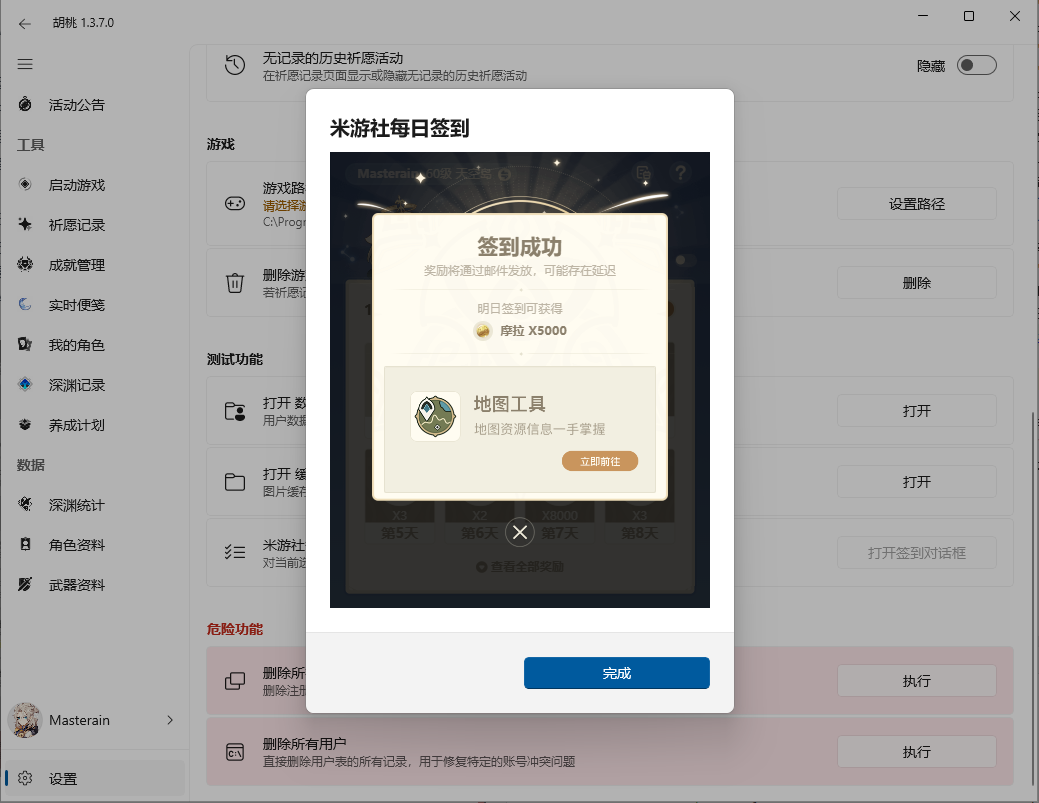
### MiHoYo BBS/HoYoLab Daily Check-in
::: tip
Daily Check-in feature in Snap Hutao is mainly used to check account login status
:::
- How to use
- First, login to your MiHoYo BBS/HoYoLab account and select it
- Click on the field
- Then Snap Hutao will pop up the check-in page and you can check-in manually
- Interface when this feature is working:
## Dangerous Features
- Enable Advanced Features
- With Snap Hutao running as administrator, you can enable this field to enable advanced features in the game launcher
> For reference:
>
> [Snap Hutao Terms of Service](../statements/tos.html)
>
> [Genshin Impact Terms of Service (CN server/Chinese)](https://ys.mihoyo.com/main/company/agreement)
>
> [Genshin Impact Terms of Service (Oversea servers/English)](https://genshin.hoyoverse.com/en/company/terms)
- Delete All Users
- Execute this operation will delete all user data in Snap Hutao
- Click on the field to operate, you will be asked to confirm
- In most scenario, you don't need to use this field